Questions
Do I need the internet?
Only the first time you open Drapzscoustic, so it can install on your device, and once to activate Pro. After that it works in airplane mode.
Will it work on my computer or phone?
Open Drapzscoustic and tap Check if my computer is ready (on a phone it says Check if my phone is ready). In about 10 seconds it checks your browser, system, graphics, sound engine and storage, runs a short speed test, and tells you if you’re ready, plus the best export quality for your device. Drapzscoustic works on computers (Chrome, Edge or Safari) and on iPhone and Android phones.
What happens when my free trial ends?
The free trial gives you the essentials for 45 days: recording and editing, 3 looks, 2 sound presets and 720p export. Premium features show a PRO badge. When the trial ends, Drapzscoustic asks you to get Pro before you keep editing. Your trial is remembered on your device, so it can’t be restarted. Buy Pro (₱399 in the Philippines, US$14.99 abroad) and we’ll email you a Pro code within 2 business days. Enter it in the app to unlock every premium feature for good, with 1080p exports and no watermark. Keep the email: the same code works if you reinstall or switch to a new computer.
Will Drapzscoustic be on the App Store and Google Play?
Yes, it’s coming to both. This website stays the home of Drapzscoustic: it’s where you can try it first and buy the full version at the best price, with GCash, Maya or InstaPay in the Philippines, or PayPal and Wise from abroad.
Does it work on iPhone and Android?
Yes. On iPhone or iPad, open Drapzscoustic in Safari, tap Share, then Add to Home Screen. On Android, open it in Chrome and tap Install app. It also runs in Chrome, Edge and Safari on a computer.
Are my videos uploaded anywhere?
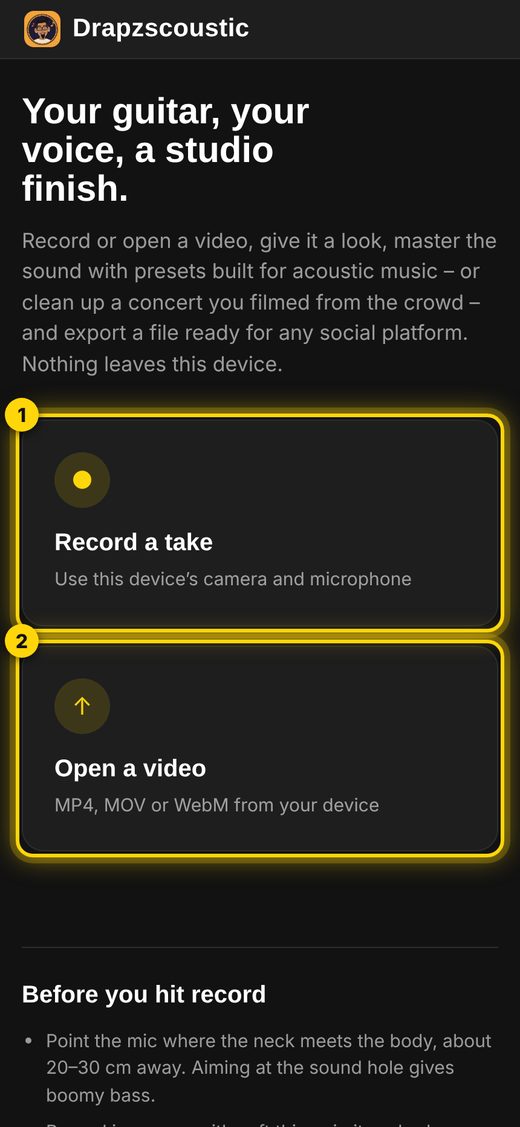
No. All recording, editing and exporting happens on your device. Drapzscoustic never sees your videos or your music.
Which videos can I open?
MP4, MOV and WebM. Some newer phones record in a format called HEVC that not every browser can play. If a clip won’t open, set your camera to “Most Compatible” on iPhone or H.264 on Android, or record inside Drapzscoustic.
How do I unlock Pro?
After checkout you’ll get a license key by email. Open Drapzscoustic, tap Unlock Pro and paste the key. You can use it on your phone and your computer.
How do I put my lyrics on the video?
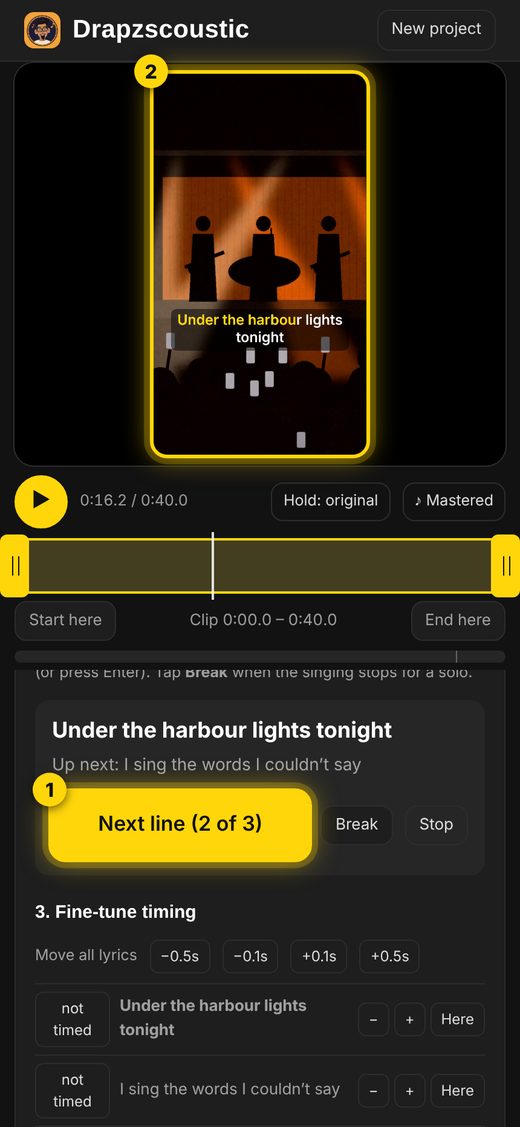
Paste your lyrics, press Start timing, and tap once as each line begins. That’s it. You can choose karaoke highlighting, simple line-by-line captions, or bold word-by-word captions, and download a subtitles file for YouTube or Facebook. If you already have a synced lyrics file (.lrc or .srt), you can import it instead.
Can I make my song sound like a recording I love?
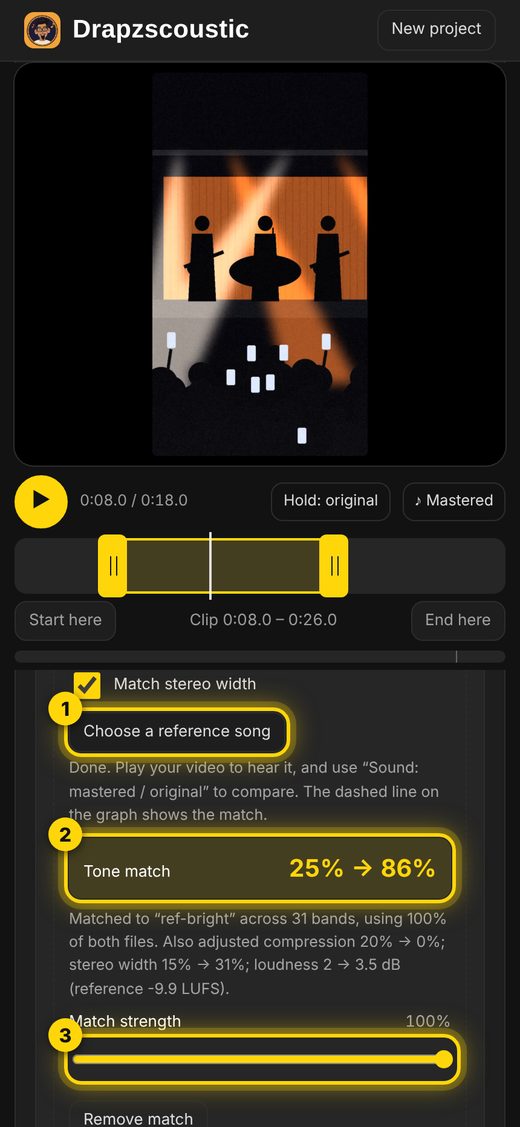
Yes, with Drapzscoustic Pro. In the Sound tab, under Music EQ, tap Choose a reference song and pick a song file you own (MP3, M4A, WAV or a video). Drapzscoustic analyses 100% of that recording and 100% of your video, matches the tone across 31 bands (bass, warmth, presence and sparkle), then checks the result and fine-tunes it twice. It can also match the loudness, dynamics and stereo width, and shows a tone-match score such as “40% → 90%”. You can lower the match strength if you want only a hint of it. The reference song is only measured; none of its audio goes into your video. It matches the tone, not the performance or the room, so a similar recording (like solo guitar and voice) gives the most natural result.
Can I separate the vocals, drums and bass?
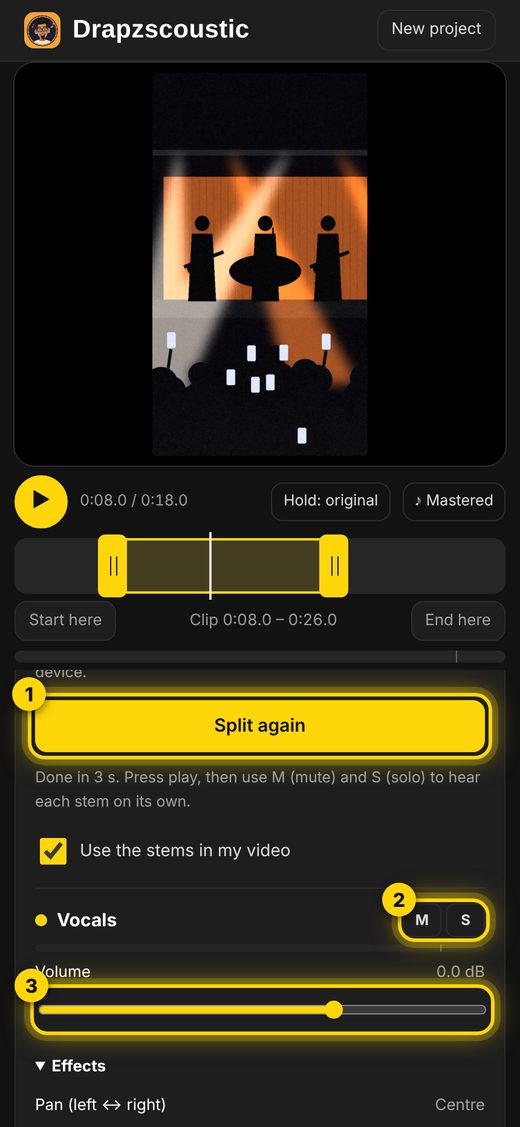
Yes, with Drapzscoustic Pro. In the Stems tab, tap Split my audio into stems. Drapzscoustic splits your video’s sound into Vocals, Drums, Bass and Other instruments, right on your computer. Each stem gets its own volume, mute and solo, pan, low/mid/high EQ and reverb, and your mastering settings still apply to the final mix. It works best on clear mixes and you can expect some bleed between stems. Vocals are found by their position in the centre of a stereo recording, so in a mono recording the voice stays with the other instruments. Drapzscoustic can’t load third-party plugins (VST), because those only run inside desktop music software.
Can it fix videos I filmed at a concert?
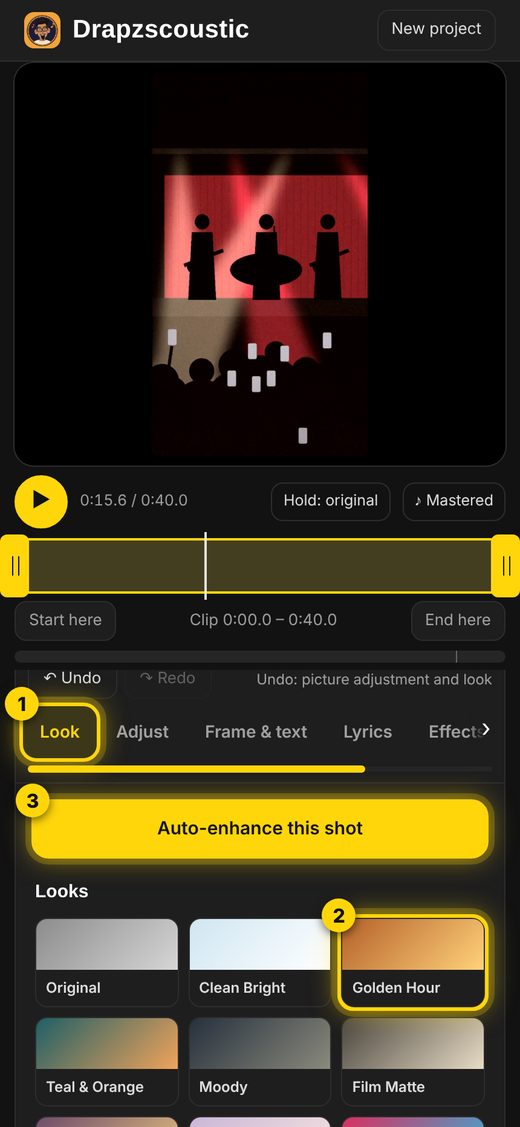
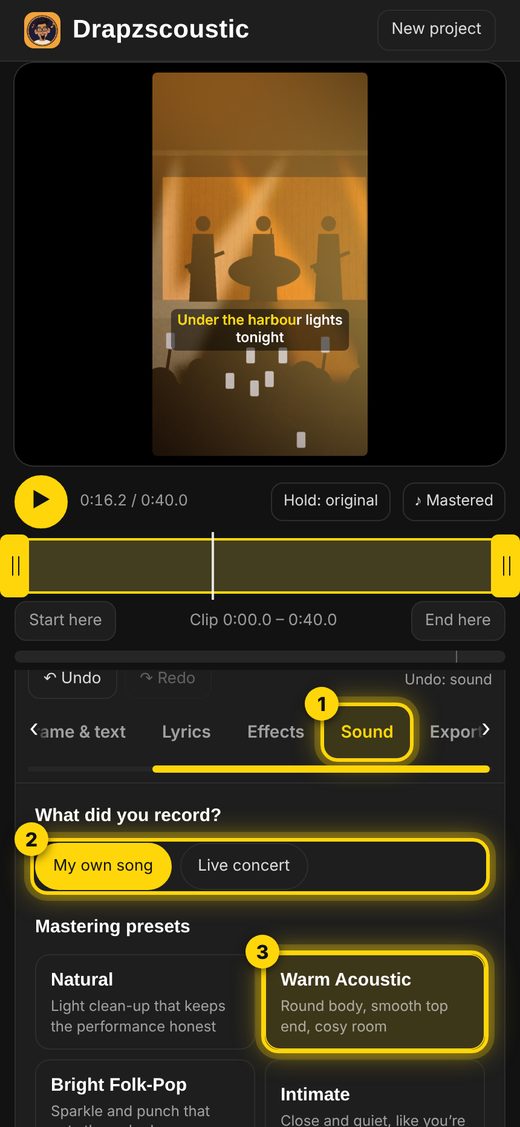
Yes – that’s what Live concert mode is for. It lowers crowd noise, hiss and wind, tames booming bass and harsh speakers, and brings the vocals forward. It works best when you let it learn the crowd noise from a moment between songs. It can’t remove people singing along right next to you, or fully repair sound that distorted because the phone was too close to the speakers.
Will my video play at the right volume on each platform?
Yes. Pick the platform – YouTube, TikTok, Instagram, Spotify and others – tap Normalise, and Drapzscoustic sets your video’s sound to that platform’s loudness standard, measured the same way the platforms measure it. Your exported video then sits at the right level next to everything else in the feed.
Is it a subscription?
No. Pro is a single payment, and updates are included.